How to Connect DJI Mic 2 to Sony FX6 Without a Cable
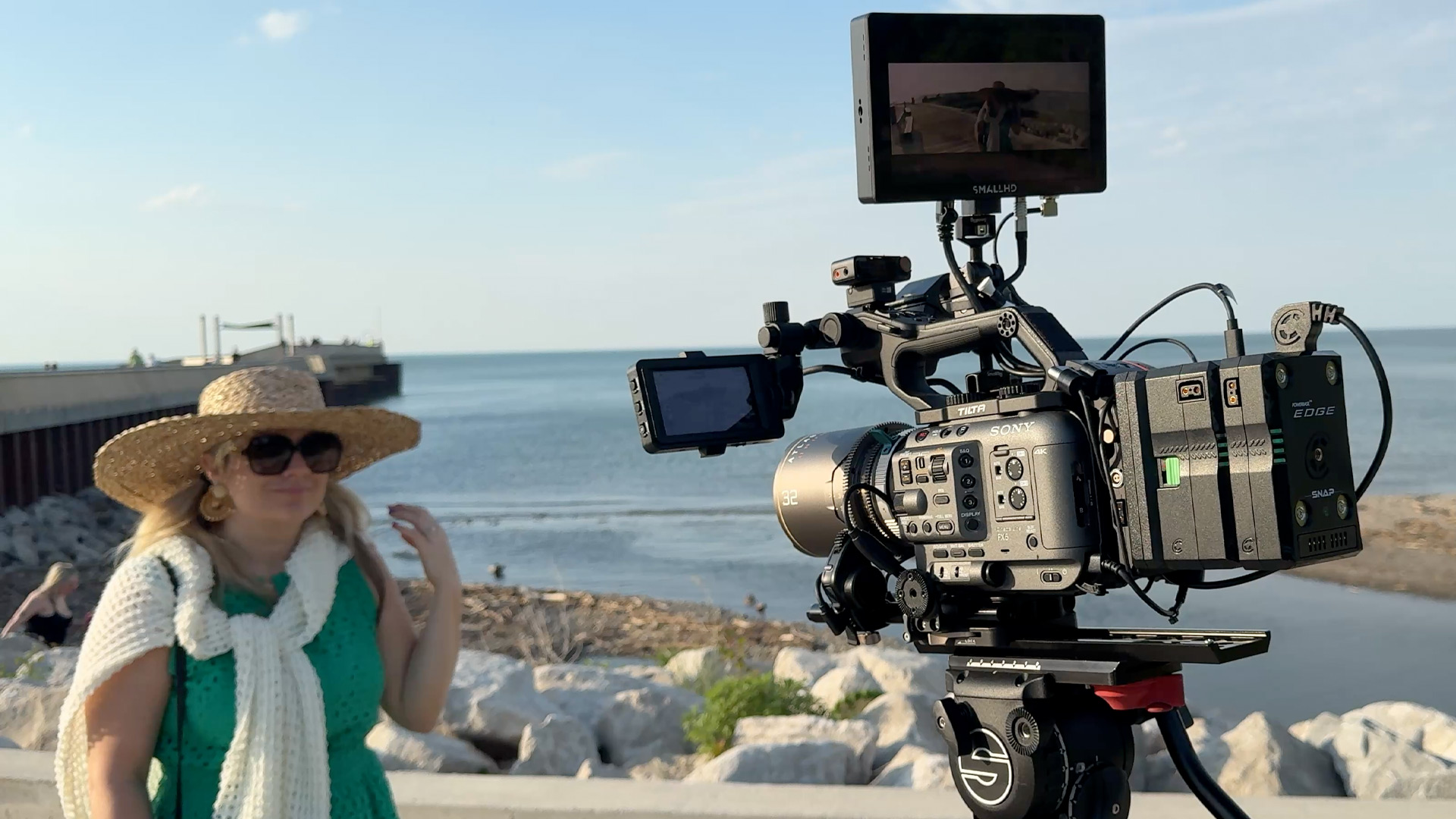
The way I connect wireless audio to my Sony FX6 has changed since my last article.
When I first wrote that article, I was using a short 3.5mm TRS stereo to dual XLR cable. It took the stereo output from my wireless receiver and split each DJI microphone onto its own audio channel in the FX6.
It worked, and I still keep that cable in my bag as a backup.
But after DJI released the DJI Mic 2 Camera Adapter for Sony cameras, I found a much cleaner way to connect the DJI Mic 2 to my Sony FX6.
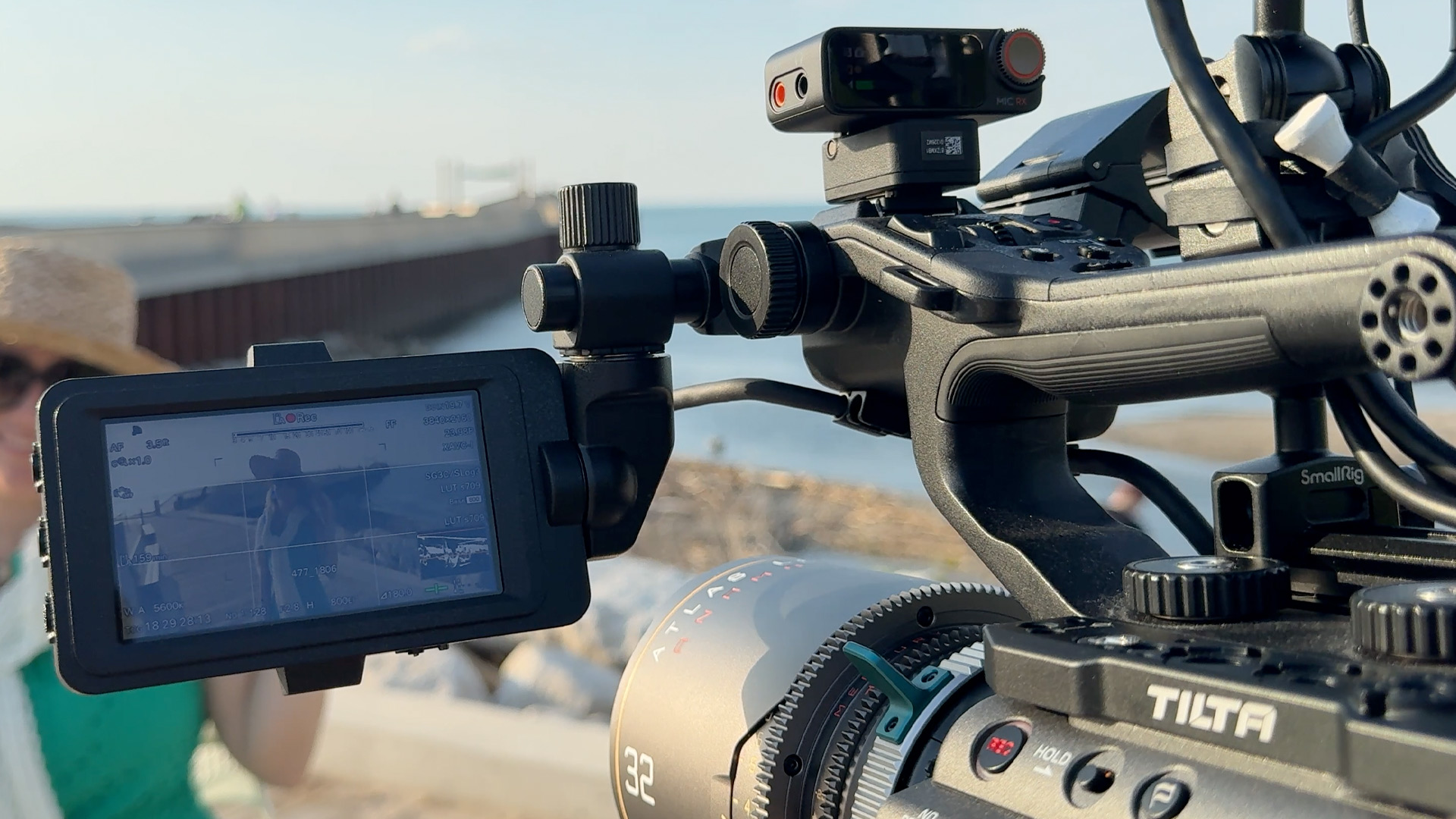
My New DJI Mic & Sony FX6 Audio Setup
My new DJI mic setup for the FX6, is to use the DJI Mic 2's and the DJI Mic 2 Camera Adapter. The adapter connects the DJI Mic 2 receiver directly (more on this later) to the Multi Interface Shoe on the camera. There is no XLR splitter, and no cable hanging from the side of the camera. It sends audio directly into the FX6! This is now my preferred way to use the DJI Mic 2 with the Sony FX6.
The Problem of the DJI Adapter + FX6 & my work around
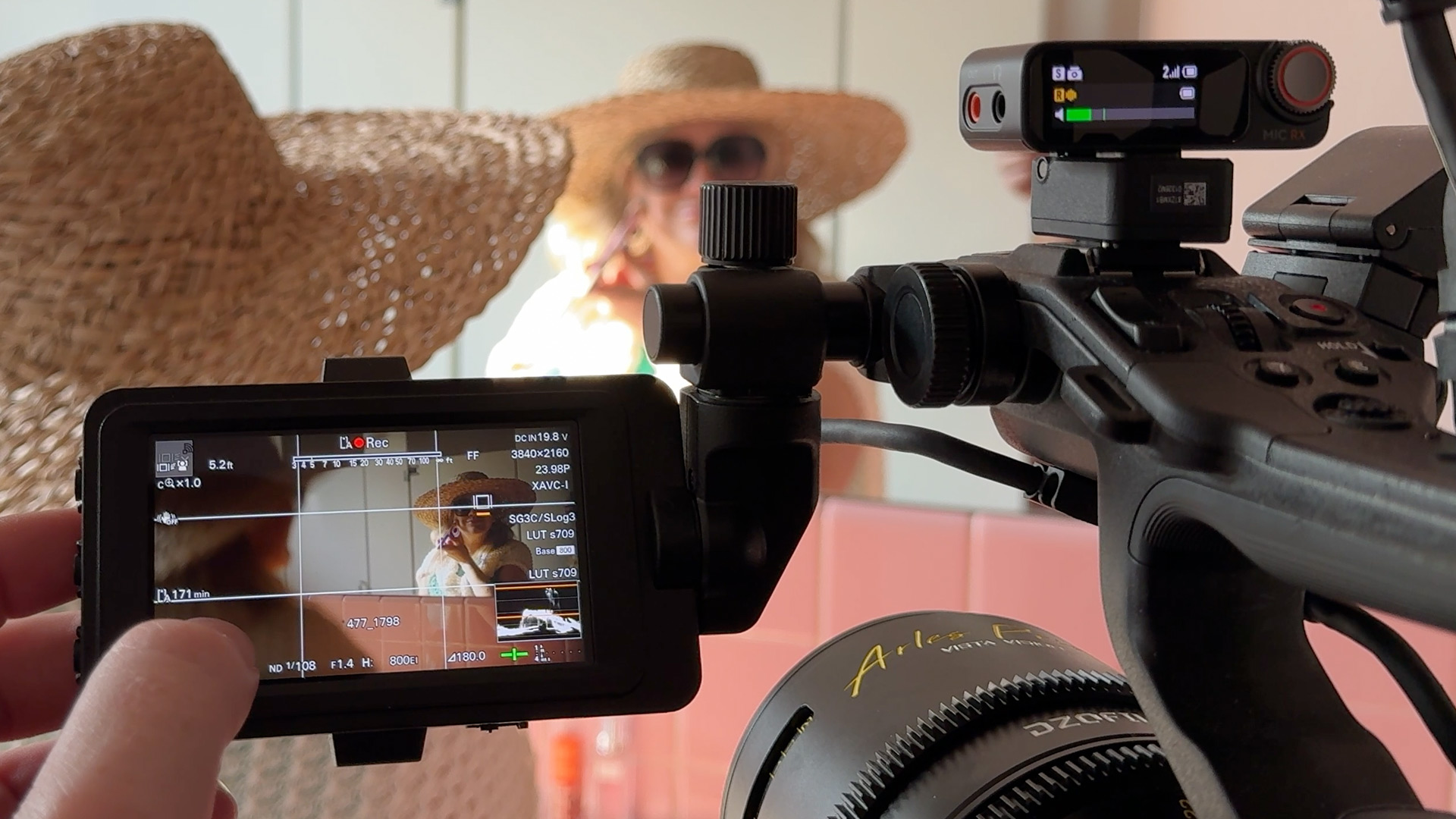
This might be a problem with my adapter, but on the FX3, the DJI Mic 2 Camera Adapter powers the DJI receiver.
On the Sony FX6, the hotshoe adapter DOES NOT power the DJI receiver. The audio is still baked into the clip, the clip on the camera is not 32 bit float, (32-bit float is recorded to the transmitter) but it's still in the clip. But if you're using this setup for multiple hours at a time, and the receiver dies, you're going to lose your baked-in audio from the transmitters.
To get around this, I've used a USBC PD cable (A very long cable lol) to power the receiver if I'm going to be rolling on a long conference, show, etc. In this case, I'm powering the DJI mic's via their own v-mounts, so the mics stay charged as well. Cable management is a pain, but everything stays powered on.
I think this is part of the reason that DJI technically does not support the DJI Mic 2's on the FX6. To me, it's not the end of the world because even with the splitter, I had to pay attention to the receivers battery life.
Why I Still Use the DJI Mic 2, Not the DJI Mic 3's
I know the DJI Mic 3 is available. It has some newer features, but I do not like the design that the DJI Mic 3's clip into the hotshoe. The DJI Mic 2's receiver is a much more sturdy connector IMO, it slides in like a hotshoe-type connection, instead of the DJI mic 3's USBC connection. I build my camera and store it in a Dr bag, and find myself putting the camera in and out of the bag multiple times per shoot sometimes, so I am not a fan of the DJI Mic 3's design.
They are smaller, and easier to conceal, but the receiver design is a bit of a deal breaker for me. I'd prefer larger mics, with a stronger receiver connection, than smaller mics/weaker receiver connection.
Especially since the whole reason I would use these mics over something like my Tentacle sync track E's, is for fast turnaround projects. And if I have to constantly pull the internally recorded files and sync in post, that kind of defeats the purpose of these mics for me.
DJI Mic 2 + Sony FX6 Setup & Audio Settings
Here is the basic setup I use:
- Update the receiver and transmitters firmware
- Install the DJI Mic 2 Camera Adapter into the receiver’s expansion port
- Slide the adapter+receiver into the Sony FX6 Multi Interface Shoe
- Turn on the receiver and both transmitters (there will be a confirmation on DJI receiver screen)
- Set the DJI Mic 2 receiver to Stereo mode
- On FX6: Full Settings menu, Audio
- Set Channel 3 to Shoe CH1
- Set Channel 4 to Shoe CH2
- Set headphone monitoring to CH3/CH4 or MIX ALL
- Confirm that both audio meters are moving before recording
The Sony FX6 allows the two channels from a Multi Interface Shoe audio device to be assigned to the camera’s recording channels. I use channels 3 and 4 so that the two XLR inputs remain free.
This means I can record the two DJI transmitters onto channels 3 and 4 while still using channels 1 and 2 for a shotgun microphone or internal audio.
That is one of the biggest benefits of this setup.
My DJI Mic 2 Settings
When I am recording two people, I set the DJI Mic 2 receiver to Stereo.
Stereo mode separates the two transmitters. One microphone is sent to the first shoe channel, and the other is sent to the second shoe channel. On my FX6, those are recorded as channels 3 and 4.
For each transmitter, I use these settings:
- 32-Bit Float Recording: On
- Auto Record: On
- REC Stop Lock: On
- Low Cut: Based on the location
- Noise Reduction: Usually Off
I leave the gain at +3 on the mics to start, but always set manually based on the situation.
I always record internally as a back up incase their are drop outs.
The Best Way to Connect DJI Mic 2 to Sony FX6
The DJI Mic 2 Camera Adapter is a cleaner solution that doesn't take up your XLR ports on the handle. I love this setup, and is much easier to pull the camer aout of the bag and start shooting.
I still take the XLR splitter cable around with me as a back up, or incase someone wants to use a different set of mics.